Travel days are when adult-platform privacy mistakes get expensive. A quick login on airport Wi‑Fi, a hotel tablet left signed in, or a rushed creator payment from a coffee shop can expose more than a browsing habit. It can expose email addresses, billing notifications, rebill reminders, saved cards, usernames, and links to private creator accounts.
This guide is written for fans and subscribers who use adult creator platforms while traveling, commuting, working from shared spaces, or borrowing a device. The goal is simple: keep your subscriptions private, avoid phishing traps, and make sure a temporary network does not become a permanent headache.
Nothing here requires paranoia. Think of it as a pre-flight checklist for your fan accounts. Before you connect, pay, tip, or message, you make a few small choices that lower your blast radius. Fanclan can help as a discovery and navigation layer when you are organizing official creator links, but your account hygiene still happens at the browser, email, payment, and device level.
The 60-second checklist before you log in
- Use your own device, not a lobby computer or borrowed tablet, whenever possible.
- Confirm the exact platform domain or official creator link before entering login details.
- Avoid entering payment information on open public Wi‑Fi unless you trust the network and the page is HTTPS.
- Turn on two-factor authentication for your email and adult-platform accounts.
- Use a private browser window for temporary sessions, then close it when finished.
- Log out after viewing, paying, or messaging if anyone else can access the device.
- Save receipts and cancellation confirmations in a private folder before travel distractions hit.
If you want the deeper account-hardening version, pair this checklist with our Adult Platform Two-Factor Authentication: Fan Security Checklist. Public Wi‑Fi safety is easier when your accounts are already difficult to take over.
1. Treat public Wi‑Fi as a shared room, not a private booth
A public network is convenient, but it is not the same trust zone as your home network. Airports, hotels, bars, shared offices, and cafés often have networks with similar names, rotating passwords, captive portals, and guests you do not know. Even when the network itself is legitimate, you are still making privacy decisions in a crowded environment: people can glance at your screen, notifications can pop up, and you may be rushing.
The safest habit is to separate browsing from sensitive account changes. Browsing public creator profiles, reading public pages, or organizing saved links is lower risk. Logging in, resetting passwords, adding cards, buying bundles, opening pay-per-view messages, or sending private requests carries more privacy weight. Do those actions from a trusted device and a network you control when possible.
Use mobile data for the sensitive step
If you are about to enter a password, change a billing setting, claim a free trial, or send a tip, consider switching from public Wi‑Fi to mobile data for that step. It is not magic armor, but it removes the random shared hotspot from the chain. If mobile data is unavailable, slow down: verify the domain, check the lock icon, and avoid logging in through links sent by unsolicited DMs or pop-ups.
2. Verify the official link before you enter credentials
Adult creators are frequent impersonation targets because fans often search by username across platforms. The FTC phishing guidance warns consumers to be skeptical of messages or links that push urgent account actions, payment problems, or login prompts. The same pattern applies to adult-platform browsing: a fake profile, spoofed login page, or “backup account” message can nudge you into giving away credentials.
Before you log in from a travel network, start from a saved bookmark, the platform app, the creator’s verified social bio, or a trusted organizer. Do not search a username, click the first ad-like result, and type your password into whatever page loads. On a small phone screen, typo domains and cloned pages are easier to miss.
For a more detailed link-checking routine, use our Adult Creator Phishing Links: Fan Login Safety Checklist. Public Wi‑Fi does not cause every scam, but travel-mode distraction makes scam pages more effective.
3. Turn on two-factor authentication before you travel
Two-factor authentication is not just for creators. Fans have payment methods, saved messages, usernames, email addresses, and subscription histories tied to their accounts. Google’s account help describes two-step verification as an added sign-in layer after your password. That extra layer matters if a password is reused, phished, or typed into the wrong page while you are away from your normal setup.
The strongest practical setup for most fans is: a unique password stored in a password manager, two-factor authentication on the platform if available, and two-factor authentication on the email account that receives login links, receipts, and reset messages. Your email is often the master key. If someone controls it, they can request resets and watch for billing messages.
Avoid SMS-only recovery if you can
SMS is better than no second factor, but app-based codes, passkeys, or hardware keys are generally more resilient when supported. Keep backup codes somewhere private before traveling. A locked-out account can lead to rushed decisions, and rushed decisions are where fans click fake support links or overshare identity details.
4. Use private browsing correctly, but do not overestimate it
Private browsing can reduce local traces on a shared or semi-shared device. Apple’s Private Browsing documentation explains that private windows avoid saving browsing details in the same way normal windows do. That is useful for adult-platform sessions, especially on a device that family, roommates, coworkers, or hotel staff might later touch.
However, private mode is not an invisibility cloak. It does not make a fake login page real, it does not stop every download from being saved, and it does not protect screenshots, notifications, email receipts, or payment statements. Treat private browsing as one layer in a larger checklist: private window, correct domain, no saved password on borrowed devices, log out, close the window, and clear downloads if you saved anything.
If shared-device risk is your main concern, read Adult Creator Shared Device Privacy: Fan Safety Checklist after this post. The public-Wi‑Fi problem and shared-device problem often appear together in hotels, dorms, conventions, and group trips.
5. Do not save adult-platform passwords on borrowed devices
Browser prompts are convenient at home and dangerous on someone else’s laptop. If a borrowed device asks to save your adult-platform password, decline. If a hotel business-center computer asks to stay signed in, decline. If a browser suggests syncing history or passwords to an account that is not yours, stop and use your own phone instead.
Also watch for autofill. A device can remember email addresses, names, shipping details, and cards. You do not want your personal email or billing identity sitting in an autofill menu after you leave. If you must use a shared device for account recovery, use it only for the minimum step, log out, close all windows, and change the password later from a trusted device.
6. Keep payment actions boring and documented
Adult-platform payments are easy to forget when travel plans are noisy. You might claim a trial before boarding, unlock a message in a rideshare, or tip from a hotel lobby. The privacy issue is not only the network; it is the lack of records. When you cannot remember what you bought, which card you used, or whether rebill was active, you are more likely to panic later.
Use a simple private receipt system. Save the platform name, creator handle, date, amount, renewal status, and cancellation link. Our Adult Creator Receipt Folder: Private Purchase Log for Fans gives fans a practical way to do that without turning adult subscriptions into a messy spreadsheet obsession.
Avoid payment changes from pop-up portals
Captive portals sometimes redirect your first browser request to a hotel or airport login page. Wait until that process is finished before opening an adult platform or payment page. If a page looks broken, redirects strangely, or asks for payment information outside the platform’s normal checkout, back out. Open a fresh browser tab, type the domain yourself, and confirm you are inside the real account area.
7. Silence notifications before your screen is visible
A good privacy setup can still fail through notifications. Creator names, platform names, subscription reminders, and email subject lines can appear on lock screens or banners. Before you travel, review lock-screen previews for email, payment apps, adult platforms, and messaging apps. A quick change from “show previews always” to “show when unlocked” can prevent awkward reveals in airport lines, rideshares, and shared rooms.
If you use a separate email alias for adult-platform accounts, make sure that alias does not forward loud subject lines to a shared family inbox. Privacy is not only about what strangers can intercept; it is about where your own devices repeat information at the wrong time.
8. Watch for travel-specific scam pressure
CISA’s social engineering guidance emphasizes that phishing attacks often rely on urgency and deception. Travel creates exactly that mood: poor signal, low battery, time pressure, unfamiliar networks, and accounts you may not access every day. Scammers exploit it with “your account will close,” “creator moved here,” “payment failed,” “verify your age again,” or “claim this private trial now” messages.
A safe fan rule: no urgent adult-platform account action should be handled through a random DM link. Go to the platform directly. If a creator announces a new page, cross-check it against at least one other official channel. If the account is newly created, has mismatched spelling, asks for off-platform payment, or pressures secrecy, pause.
9. Use Fanclan as a navigation aid, not as a replacement for account security
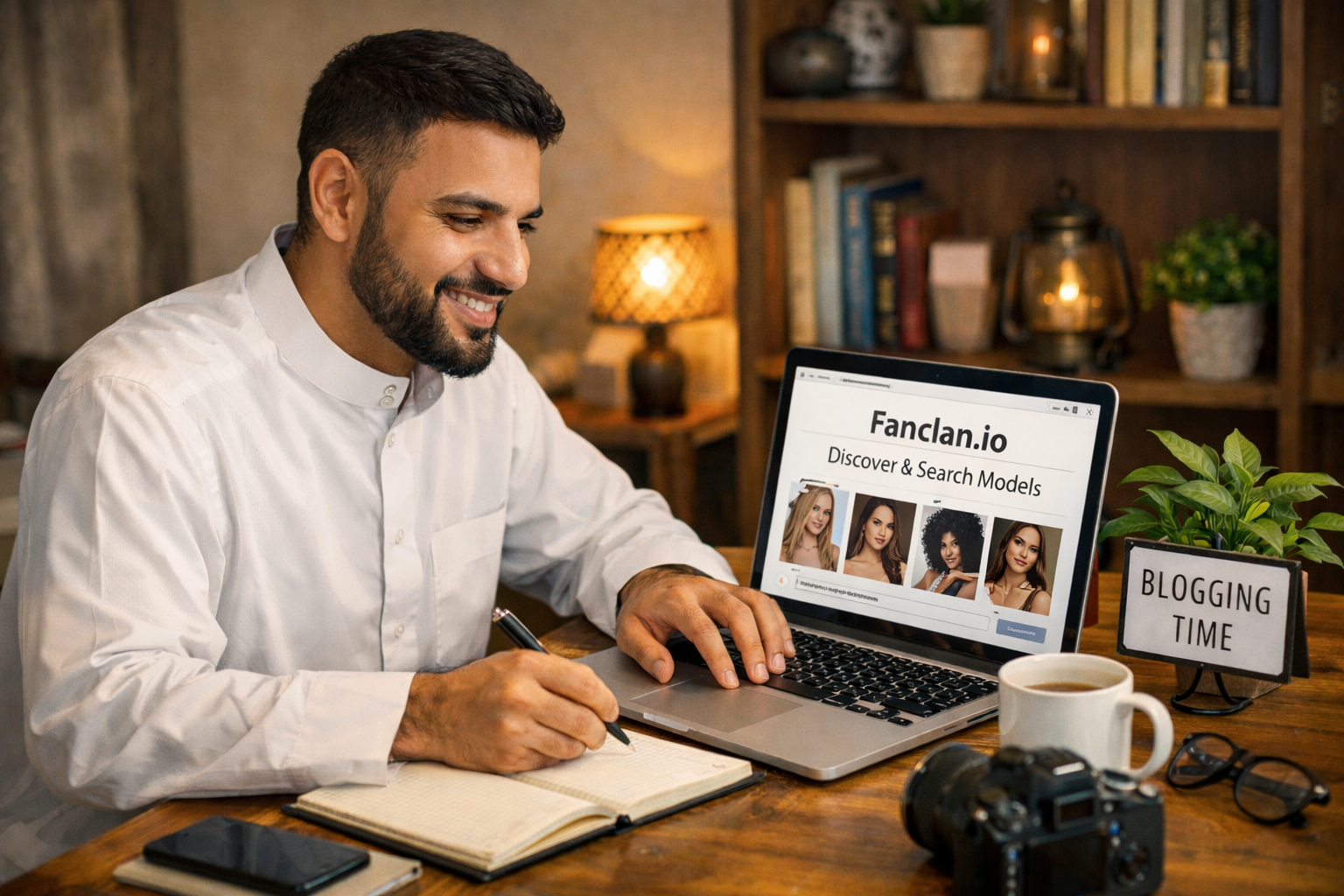
Fanclan is useful when you want to discover creators and keep your navigation more organized, especially when usernames and platform links scatter across the web. That said, a discovery tool does not replace your own login hygiene. Use Fanclan to reduce search chaos, then still confirm platform domains, protect your email, and keep payment records private.
The best workflow is calm and repeatable: discover or save the creator, verify the official destination, decide whether the subscription fits your budget, then pay from a trusted device when you are not rushed. That rhythm helps fans spend smarter and avoid the most common travel-mode mistakes.
A practical travel setup for adult-platform fans
- Before leaving: update passwords, turn on two-factor authentication, and save backup codes.
- Create or review a private adult-subscription email alias so receipts do not land in a shared inbox.
- Bookmark official platform login pages and creators you already follow.
- Turn off lock-screen notification previews for email, banking, and adult-platform apps.
- Use mobile data for payments, password resets, free trials, cancellations, and rebill changes when possible.
- If you use public Wi‑Fi, browse only after verifying HTTPS and the exact domain.
- After each session, log out, close private windows, and save purchase or cancellation notes.
- When home, review your subscription list, rebill dates, and any travel-day purchases.
Bottom line
Adult-platform privacy is rarely broken by one dramatic hack. More often, it leaks through small, ordinary mistakes: a fake link clicked while tired, a saved password on a borrowed laptop, a lock-screen notification in a shared room, or a rebill you forgot because you subscribed during a trip. Public Wi‑Fi simply makes those mistakes easier to make.
Use this checklist when you travel, commute, or browse from any shared environment. Keep official links separate from random search results, protect the email behind your accounts, use two-factor authentication, avoid sensitive payments on open networks when you can, and document what you buy. That is how fans keep adult subscriptions private, respectful, and financially under control.