Adult creator screenshot rules are not just a technical question. They are a mix of platform terms, copyright, creator boundaries, privacy, and basic fan etiquette. A phone may let you screenshot almost anything, but that does not mean you should save it, repost it, share it with friends, use it for verification, or keep it forever. For fans and subscribers, the safer rule is simple: treat paid creator content as access you purchased, not property you own.
This guide is for legal, consenting-adult content communities and keeps the advice public-safe. It does not explain how to bypass paywalls, defeat watermarking, scrape content, or hide rule-breaking. Instead, it helps you avoid the common mistake: casually saving a screen because it feels harmless, then creating privacy, account, payment, or consent problems later.
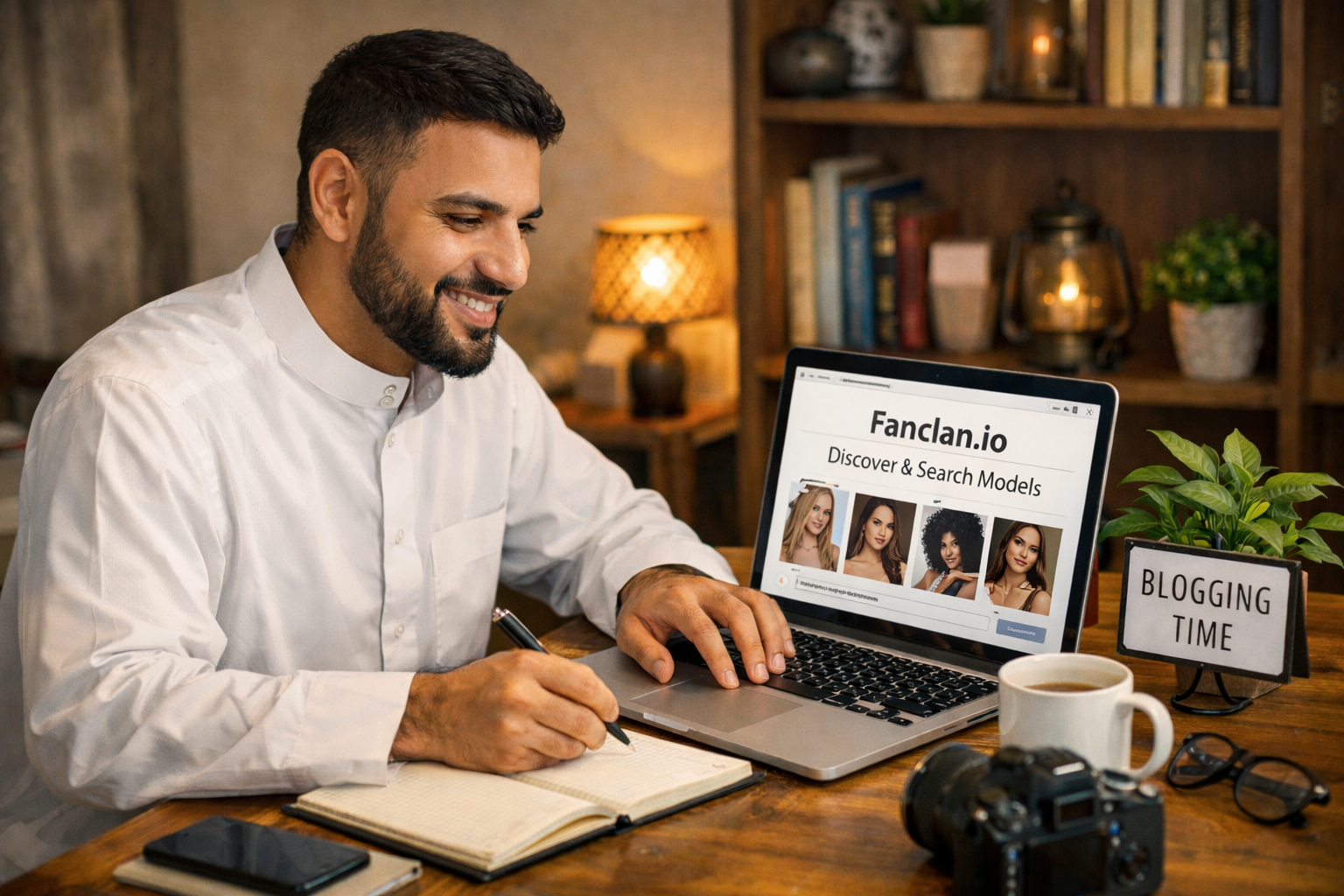
Fanclan can help as a soft discovery and navigation aid when you are organizing official creator links, but the saving decision still happens on the platform where you subscribed. Before you press a screenshot shortcut, use the checks below.
The short answer: assume screenshots are restricted unless clearly allowed
Different adult platforms handle screenshots, downloads, watermarking, and reposting in different ways. Some may technically block screen capture in certain apps. Others may allow the device action but forbid copying, distributing, recording, or using content outside the service. That distinction matters: “my phone allowed it” is not the same as “the creator and platform permitted it.”
Read the platform rules before relying on habits from social media. The OnlyFans Terms of Service and Fansly Terms of Service are good examples of why fans should check the actual service language instead of assuming every subscription platform works like a normal public timeline. Paid adult content is normally licensed for personal viewing within the platform, not for reposting or redistribution.
What counts as risky saving?
- Screenshots of paid posts, locked messages, profile media, livestreams, or paid archives.
- Screen recordings of videos, live shows, private messages, or temporary content.
- Copying captions, private messages, menus, prices, or custom-request details into public posts without permission.
- Saving watermarked images “just in case” and later sharing them in group chats, forums, cloud folders, or social accounts.
- Using a screenshot to impersonate a creator, sell access, prove you are subscribed, or pressure someone else to subscribe.
A private note like “renewal date: July 20” is different from copying content. If your goal is organization, write down neutral subscription details instead of capturing creator media. If your goal is evidence for a billing or support issue, capture the minimum account/billing information needed and avoid including adult media when possible.
A practical five-question screenshot test
Before saving anything from an adult creator account, ask these five questions. If any answer is uncertain, do not capture it.
- Is this content paid, private, locked, temporary, or message-based? If yes, treat it as more sensitive than a public profile photo.
- Did the creator or platform clearly allow saving? If permission is not obvious, assume no.
- Could this expose a real person, stage name, watermark, purchase, or private conversation? If yes, saving increases privacy risk.
- Would I be comfortable explaining this capture to platform support? If not, it is probably not a clean use.
- Do I need the media itself, or only a neutral detail? In most fan-management cases, a note or receipt record is safer than a screenshot.
Personal viewing is different from redistribution
Fans sometimes say, “I paid for it, so I can keep it.” That is the wrong mental model. Paying usually gives you access under platform terms. It does not give you broad rights to duplicate, redistribute, monetize, re-upload, or use the creator’s content outside the service. Even if you save something privately, the risk rises sharply if it syncs to a shared device, cloud account, messaging app, or photo library where another person can see it.
Copyright questions can be context-specific, and this is not legal advice. The U.S. Copyright Office fair use overview explains that fair use depends on multiple factors; it is not a magic phrase that makes reposting paid adult content okay. If your use is not clearly personal, permitted, minimal, and platform-compliant, do not do it.
When screenshots may be reasonable
There are a few narrow situations where saving a record can be reasonable, but the safest versions minimize creator media and personal information. For example, you might keep a receipt, a cancellation confirmation, a subscription-renewal screen, or a support ticket number. You might also document a suspected scam profile, but even then the goal should be reporting through platform tools, not public shaming or doxxing.
If you are verifying whether a page is official, start with safer checks from the spot fake adult creator profiles guide. Compare official social links, usernames, platform badges, posting history, payment routes, and creator-owned link pages. Avoid downloading media to “prove” identity; scammers often steal media too, so screenshots are weak evidence by themselves.
Privacy risks fans forget
The quiet danger is not always account punishment. It is accidental exposure. A screenshot can show in camera rolls, recent files, notification previews, cloud backups, search indexing, shared albums, device widgets, “memories” features, workplace backups, or family tablets. A screen recording can capture usernames, balances, tabs, browser suggestions, email addresses, and card snippets around the content.
For shared phones, laptops, tablets, or browsers, review the adult creator fan privacy guide before subscribing or saving anything. Separate browser profiles, private notification settings, password-manager discipline, and neutral calendar reminders are more useful than a hidden folder you forget to maintain.
Do not use screenshots to negotiate boundaries
Screenshots can make normal fan interactions feel aggressive. Do not send a creator a capture of their own paid content to demand a discount, complain about an angle, request a custom variation, or prove you bought something from a different account. If you need support, use platform tools and receipts. If you want to ask a creator about what is included, ask before buying and keep the message respectful.
This matters especially with locked messages and premium unlocks. Use the PPV unlock checklist before buying: check what is included, whether it is one-time or recurring, how delivery works, and whether the offer matches the creator’s official page. Clear purchasing beats messy screenshots after the fact.
Red flags that should stop you from saving
- A random account asks you to screenshot a paid page to “verify” yourself.
- A profile asks you to move screenshots off-platform before paying or tipping.
- Someone offers a folder, leak, archive, scraper, or “backup” of a creator’s paid content.
- A discount page pressures you to act fast while hiding rules, renewal terms, or creator identity.
- A support message asks for screenshots that include your password, full card number, private media, or unrelated account details.
The FTC phishing guidance is a useful baseline here: phishing often works by creating urgency, hiding the real destination, or asking for information in a channel you did not expect. Adult creator communities add extra pressure because fans may worry about privacy, embarrassment, or losing access. Slow down. Official support will not need your password or explicit media files to answer a billing question.
Safer alternatives to screenshots
- Use bookmarks for official links. Save the creator’s official profile or link page, not media previews.
- Keep neutral subscription notes. Record platform, renewal date, monthly price, and cancellation status without adult content thumbnails.
- Save receipts and confirmation emails. Those are cleaner evidence than screenshots of posts.
- Use platform favorites or collections. If the site provides internal organization tools, keep content inside the service.
- Ask permission when in doubt. If a creator explicitly allows a type of save or repost, follow their exact rules and credit requests.
If you use a folder for receipts, name it neutrally and keep it focused on billing evidence. Do not mix receipts with saved creator media. That separation protects you, respects creators, and makes support issues easier to explain.
How to document a problem without over-capturing
Sometimes you need a record because something genuinely went wrong: a duplicate charge, a subscription that renewed after cancellation, a suspicious login prompt, a missing paid unlock, or a fake support account asking for money. In those cases, capture the transaction context, not the creator’s media. A clean record might include the platform name, date, amount, order number, support ticket, cancellation status, or the URL of the profile you used. Crop out unrelated posts, private messages, explicit thumbnails, personal emails, and card details that support does not need.
Store that record somewhere private and temporary. Once the issue is resolved, delete what you no longer need. Do not turn a support screenshot into a public warning post unless it is carefully anonymized and truly necessary. Even then, avoid naming private individuals, exposing a creator’s content, or encouraging pile-ons. Your goal is to fix the account or billing issue, not to create a second privacy problem.
What to do if you already saved content
Do not panic, but do clean up. Delete content you do not clearly have permission to keep. Check cloud backups, trash folders, shared albums, messenger attachments, browser downloads, and “recent files.” If you posted or forwarded content, remove it immediately and do not argue with the creator or platform. If a platform contacts you, respond through official channels and avoid evasive explanations.
If the saved item is a legitimate support record, reduce it to the minimum necessary evidence. Blur or crop unrelated personal information. Keep it private. Use the platform’s support form rather than sending it through random social DMs.
Fanclan bottom line
Good adult-community navigation is not just finding creators; it is following them without creating avoidable risk. Use Fanclan and official creator links to discover and organize profiles, use platform tools for access, and treat screenshots as a last resort rather than a habit.
If a subscription page feels unclear, combine this checklist with the adult creator subscription red flags guide before paying. The best fan experience is boring in the right ways: official links, clear prices, respectful boundaries, private records, and no secret archive you would not want to explain.
Quick checklist before saving
- I checked the platform rules and creator instructions.
- I am not capturing paid media, private messages, or temporary content unless clearly allowed.
- I am not planning to repost, forward, sell, trade, or use the capture for pressure.
- I have considered privacy: cloud backups, shared devices, thumbnails, and notifications.
- A neutral note, receipt, bookmark, or platform favorite would not solve the same problem.
When in doubt, do not screenshot. Your budget, privacy, account standing, and the creator’s work are all better protected when you keep paid adult content inside the platform and save only the records you truly need. A cautious fan is not less supportive; a cautious fan is easier to trust, less vulnerable to scams, and less likely to turn a fun subscription into an avoidable dispute.